Receipt Scanning: The Fastest Way to a Digital Pantry
PantryLab Team · December 2, 2025 · 5 min read
TODO(confirm): replace with a real post — this is placeholder editorial content.
Every pantry-tracking app makes the same promise — know what you have, waste less, shop smarter — and almost every one of them fails at the same point: getting groceries into the system in the first place. If logging a shop takes fifteen minutes of manual typing, most people do it once, enthusiastically, and never again. The app gets deleted not because the idea was bad, but because the entry cost was too high for a habit to survive.
The entry-cost problem
Think about what a 'log your groceries' flow usually asks for: open the app, search for each item by name, pick the right size and unit, set a quantity, repeat twenty to forty times per shop. That's not a chore you do twice a week forever. It's a chore you do once, out of curiosity, and then quietly abandon.
Why a receipt fixes it
A grocery receipt is already a structured, itemized record of exactly what you bought, in the exact quantities you bought it — someone already did the data entry, at the till, without knowing it would be useful to you later. Photographing it and letting the software read it collapses twenty to forty manual entries into one ten-second action. That's the entire trick: it doesn't make cataloguing groceries less necessary, it makes it nearly free.
What actually happens after the photo
In PantryLab, a receipt scan reads the itemized list, matches each line to a product in its catalog, and adds it to the right zone of your inventory — fridge, freezer or pantry — with a sensible default expiry date based on the item type, which you can adjust. The whole shop lands in the app before you've finished putting the groceries away.
It's one of five ways in, not the only one
Receipt scanning is the fastest way to log an entire shopping trip at once, but it isn't the only entry point, because not every item arrives with a receipt — a bag of vegetables from a market stall, a gift of home-grown tomatoes, a single item picked up on the way home. That's why PantryLab also supports barcode scanning for single items, camera recognition for things without a barcode, voice commands for hands-free adding while unpacking, and plain manual entry with autocomplete for everything else. Together, the five methods mean there's almost never a moment where logging something is more effort than it's worth.
The habit that follows
Once entry is nearly free, the rest of the system starts paying for itself: expiry alerts only work if the inventory is current, and recipe matching is only as good as what it knows you own. Receipt scanning isn't a convenience feature bolted onto a pantry app — for most households, it's the difference between a pantry app that gets used and one that gets deleted after week one.
Recipes to try
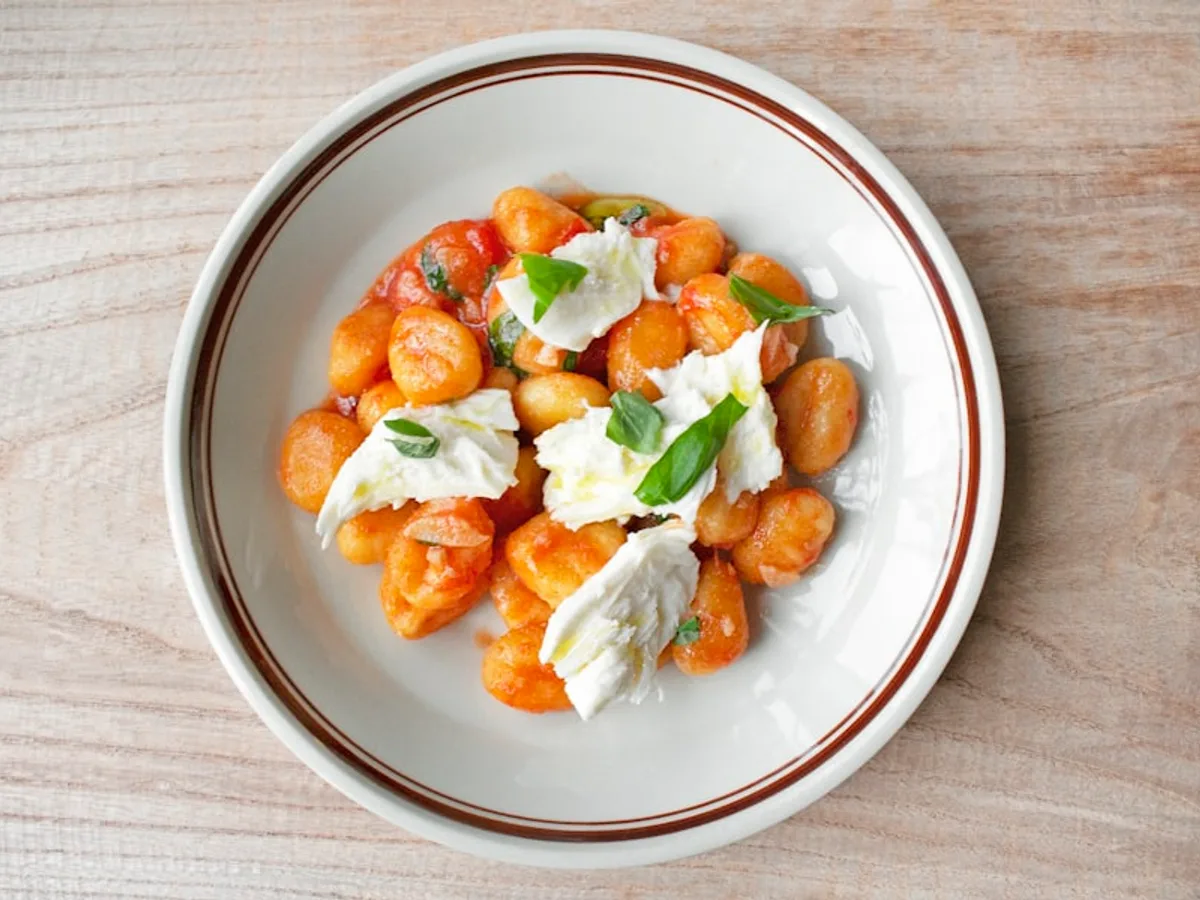
Sheet-Pan Gnocchi with Sausage and Peppers
Potato gnocchi roasts alongside sausage and peppers on one tray until crisp-edged and caramelized — the kind of recipe built to use up whatever's left in the crisper.
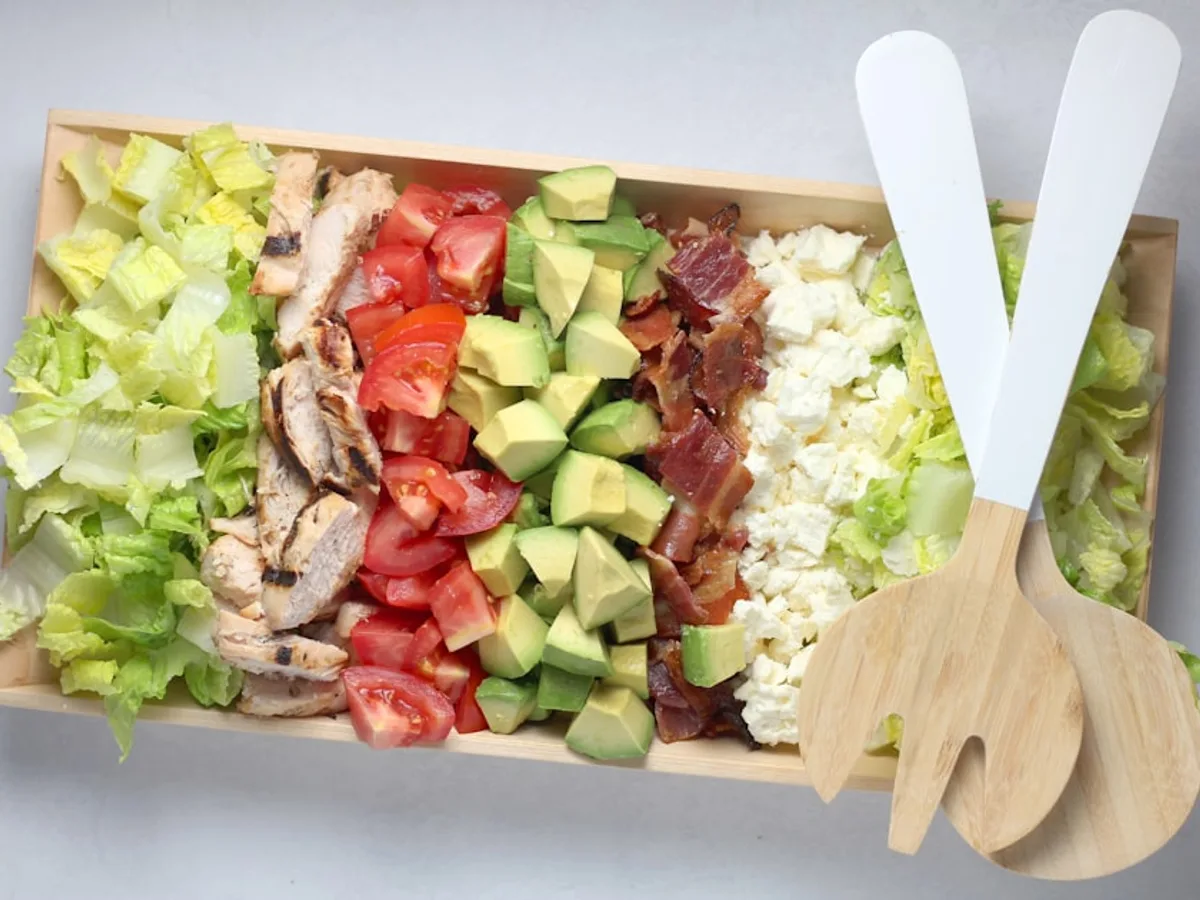
Chicken Cobb Salad
A protein-packed cobb built from leftover roast chicken, hard-boiled eggs and whatever crisp vegetables are about to turn — on the table in 15 minutes.
See how this connects to the app: related feature →